Tools required:
- Small flathead screwdriver
- Replacement battery
Steps:
1. Locate the sensor. Press and open the tab located on the bottom of the device, to separate the sensor from the backplate.
Note: There may or may not be a small screw in the bottom.
a. Gently slide the cover up and off of the sensor.
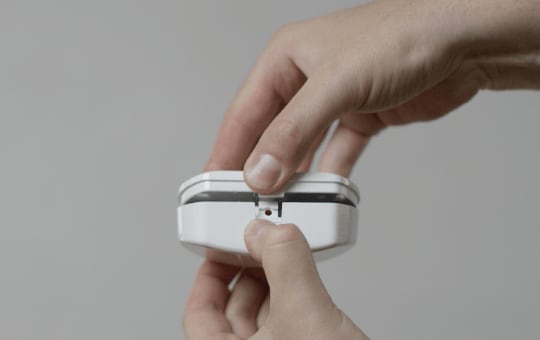
2. Remove the old battery. Leave it out for up to two minutes to allow the sensor to fully drain any residual power.
3. Insert the new battery.
4. Replace the sensor cover. Hook it onto the two tabs of your backplate until you hear a click, confirming it is securely closed.
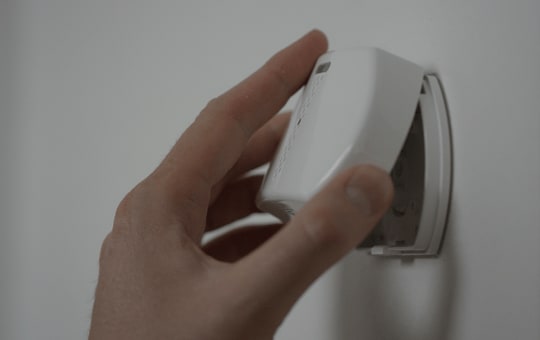
5. Use the tiny screw included to secure the glass break cover to the backplate on the bottom of the device (if screw is present).
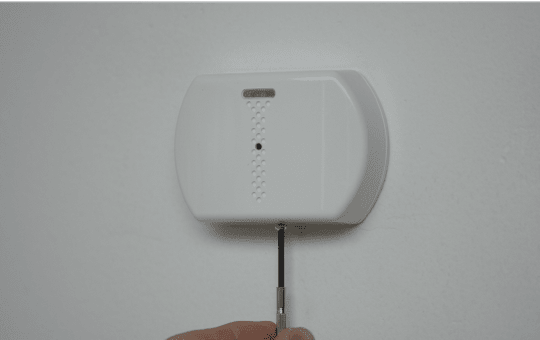
6. Check your control panel to verify that the low battery alert has cleared.