If the Entry Sensor is showing "Open," when the door or window is physically closed, check the following:
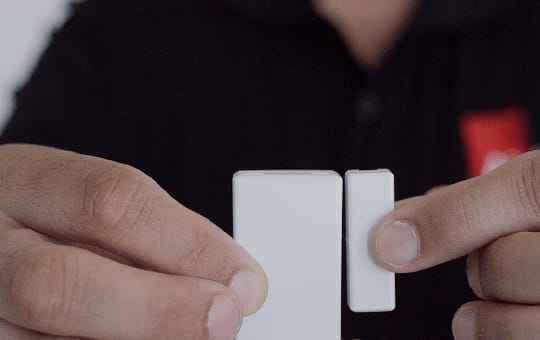
1. Entry Sensors have two components: a large rectangle (sensor) and a smaller rectangle (magnet). The magnetic field between them determines if the system detects if the sensor is Closed (aligned) or Open (separated).
2. Are both components present?
- Yes: Make sure they are no more than ½ inch apart. If they are too far apart, move one piece closer to the other. Open and close the door or window to reset the status.
- No: Look around the area for the missing piece. If you find it, reattach it to 3M Command Strips or another strong double-sided tape.
- If you cannot locate the missing part, contact Member Support at 800-669-7779 to order a replacement.