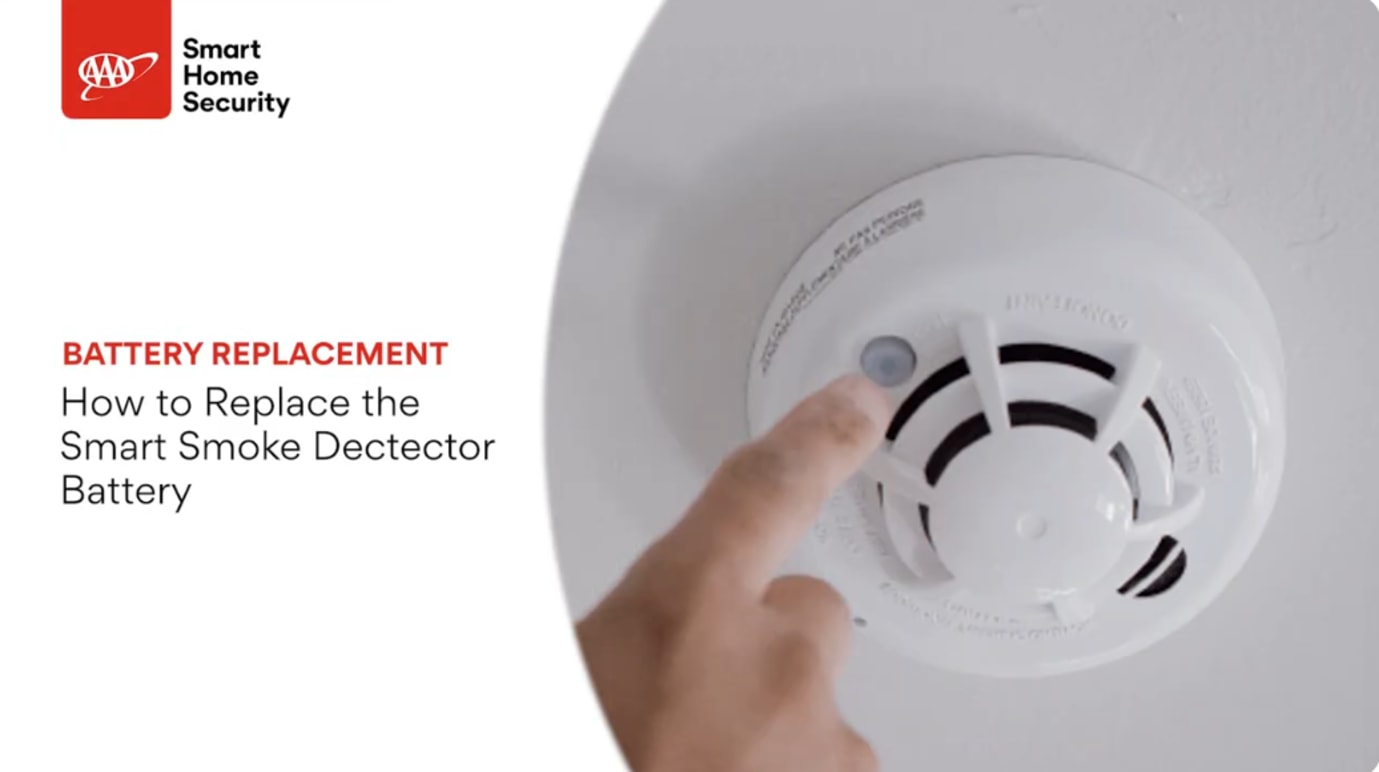
Tools required:
- Small flathead screwdriver
- (3) AAA batteries
Pre-Replacement Instructions:
Before removing the Smart Smoke Detector from the base plate, please contact Technical Support at 800-669-7779 to request the detector be put in test mode. This will help avoid false alarms sent to the Monitoring Center.
Note: Your Smart Smoke Detector will beep and a low battery notification will be displayed on your AAA Smart Home Control Panel when your battery is running low.
Steps:
1. Locate the Smart Smoke Detector.
Note: There may or may not be a small screw in the bottom.
2. Twist the Smart Smoke Detector counterclockwise from the base plate.
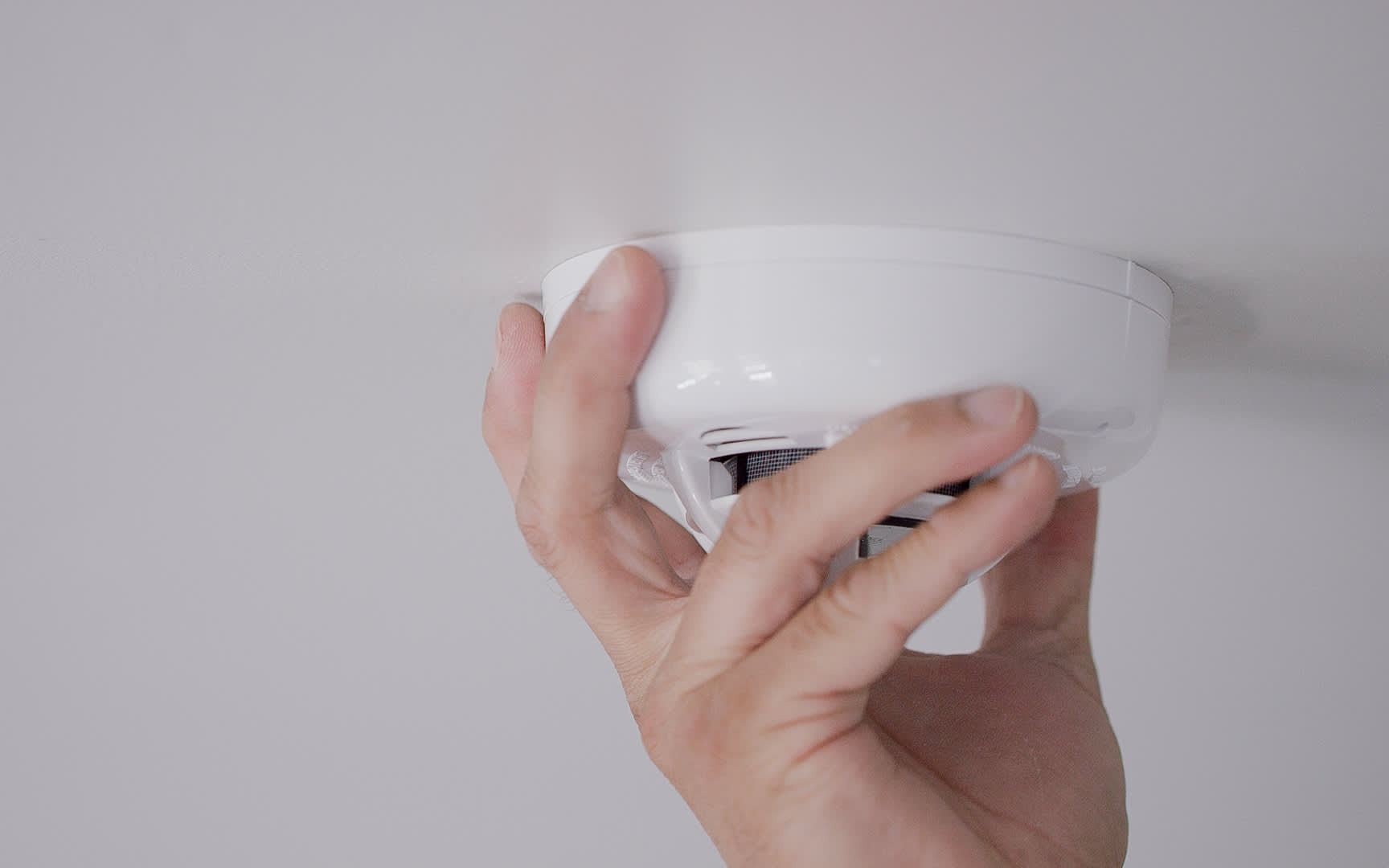
3. Remove the 3 AAA batteries from the Smart Smoke Detector.
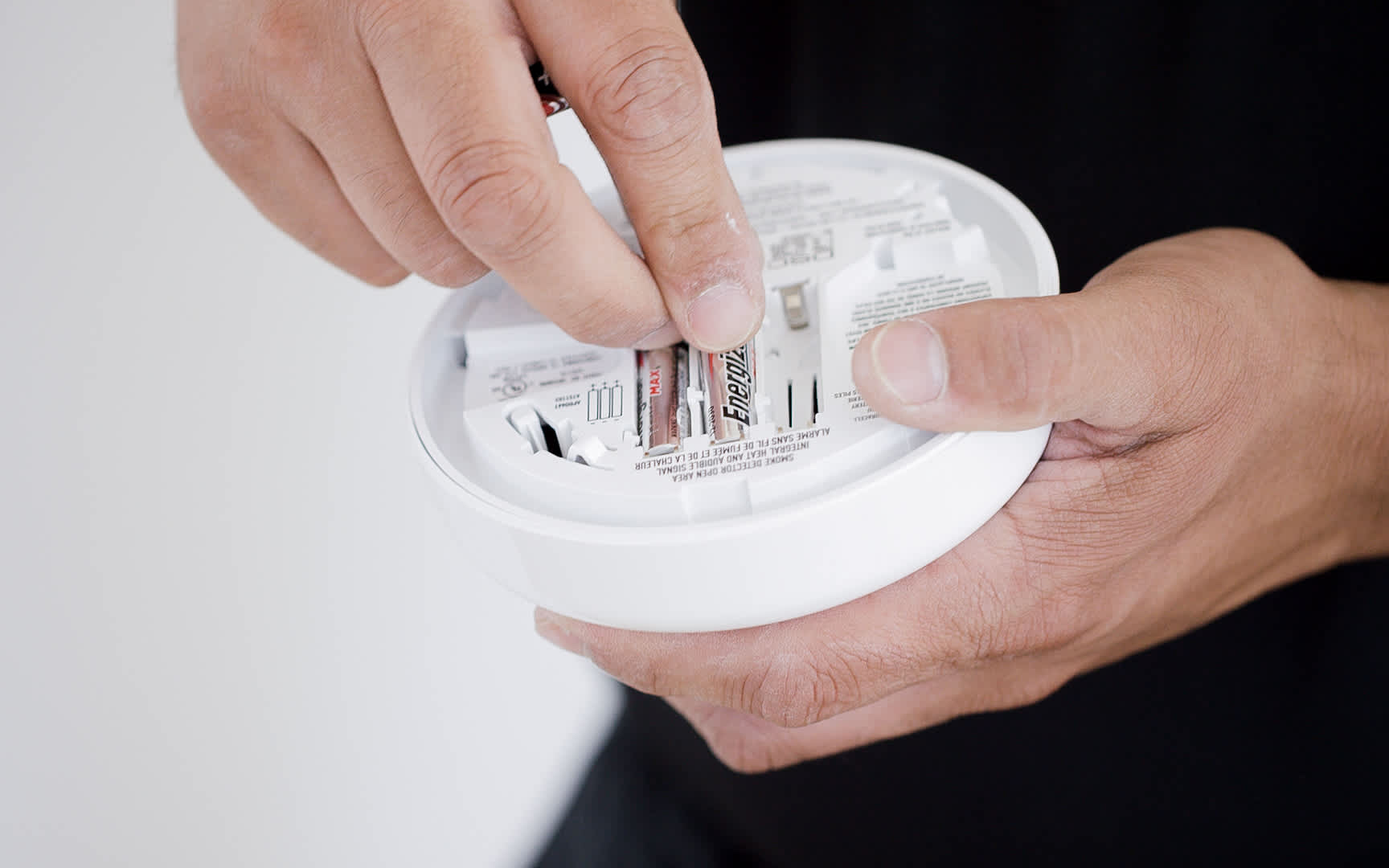
4. Insert the new batteries into the Smart Smoke Detector after two minutes have elapsed. You will hear the detector beep once. Then place the Smart Smoke Detector back onto the base plate by twisting it clockwise.
5. Test the Smart Smoke Detector. On the front side of the Smart Smoke Detector, press and hold the button down until you hear five beeps. There will be two quick beeps, a long pause, then three long beeps to follow.
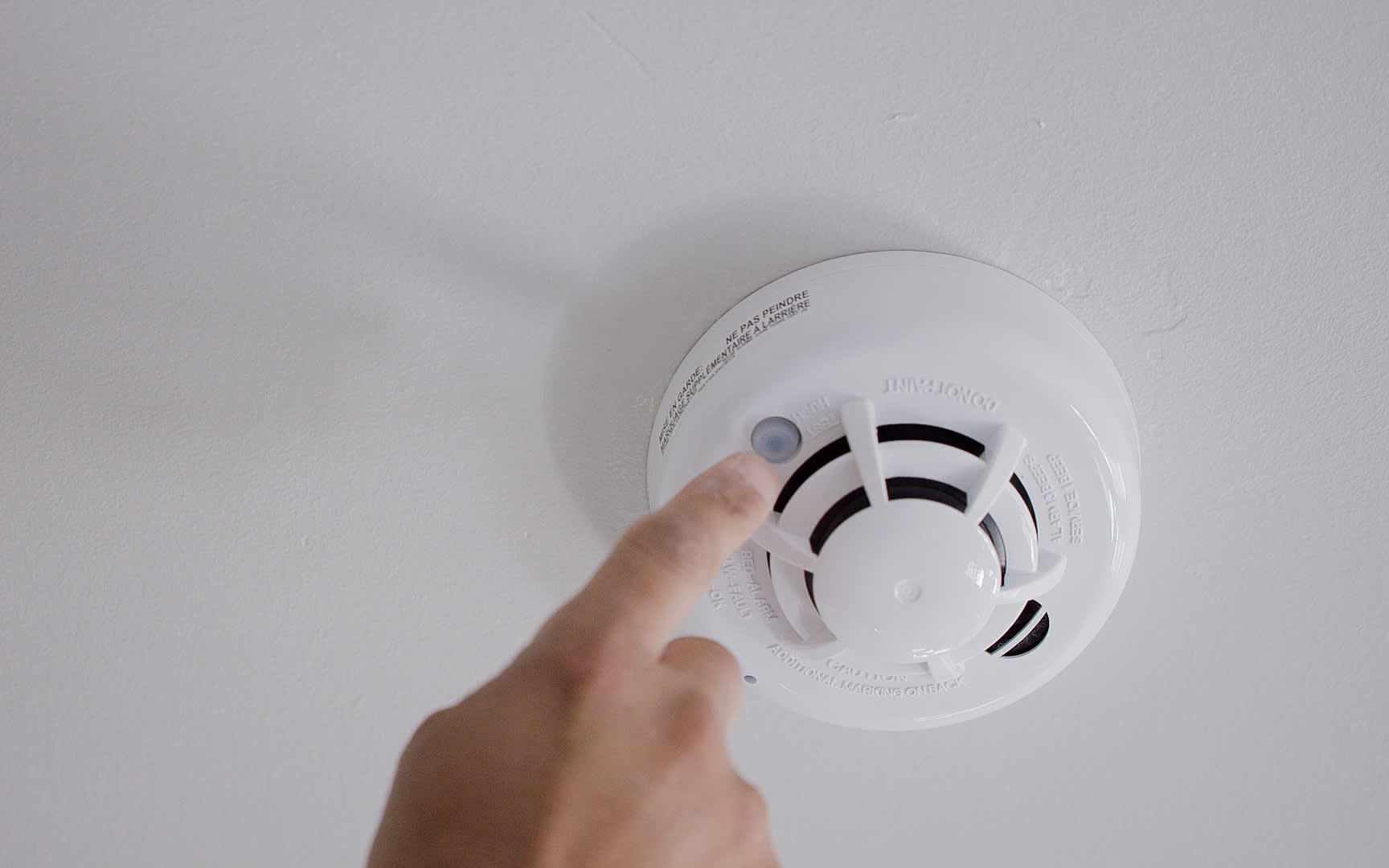
6. Release the button after you hear five beeps. You will then hear a siren alarm go off. Disarm the system as you normally would.
7. Confirm the test signal by contacting Technical Support at 800-669-7779.
8. Return to your control panel and verify that the "low battery" status has been cleared.
9. Clear the “low battery” status from your control panel by tapping the Envelope icon in the upper right corner of the screen. Then tap “Alerts & Alarms,” tap “Acknowledge All,” then tap “OK.”