Installing Your Panic Button
Medical Panic Button Install Guide PDF
When pressed within range of your panel, the panic button alerts your system to dispatch medical, fire, or police first responders in case of an emergency.
The device is water-resistant, and is equipped with a 2-second activation delay to help reduce false alarms.
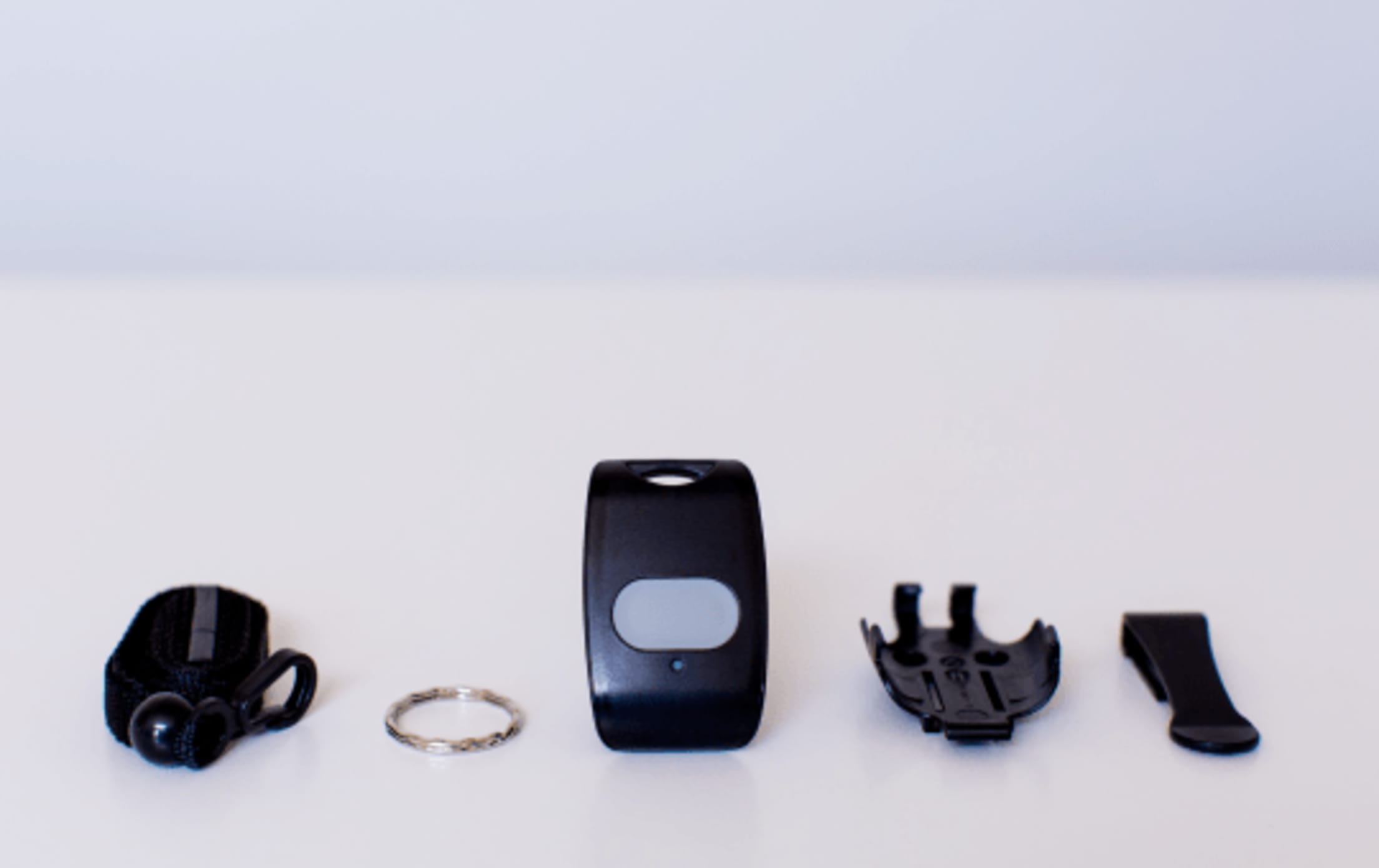
Installation Parts
- Medical panic button device
- Lithium batteries (included inside)
- Device holder
- Belt clip
- Keychain loop
Tools you’ll need (if mounting holder to a surface)
- Phillips screwdriver
- Two #4 ⅝-inch screws
Choosing a location
The panic button can be:
- Carried in a keychain
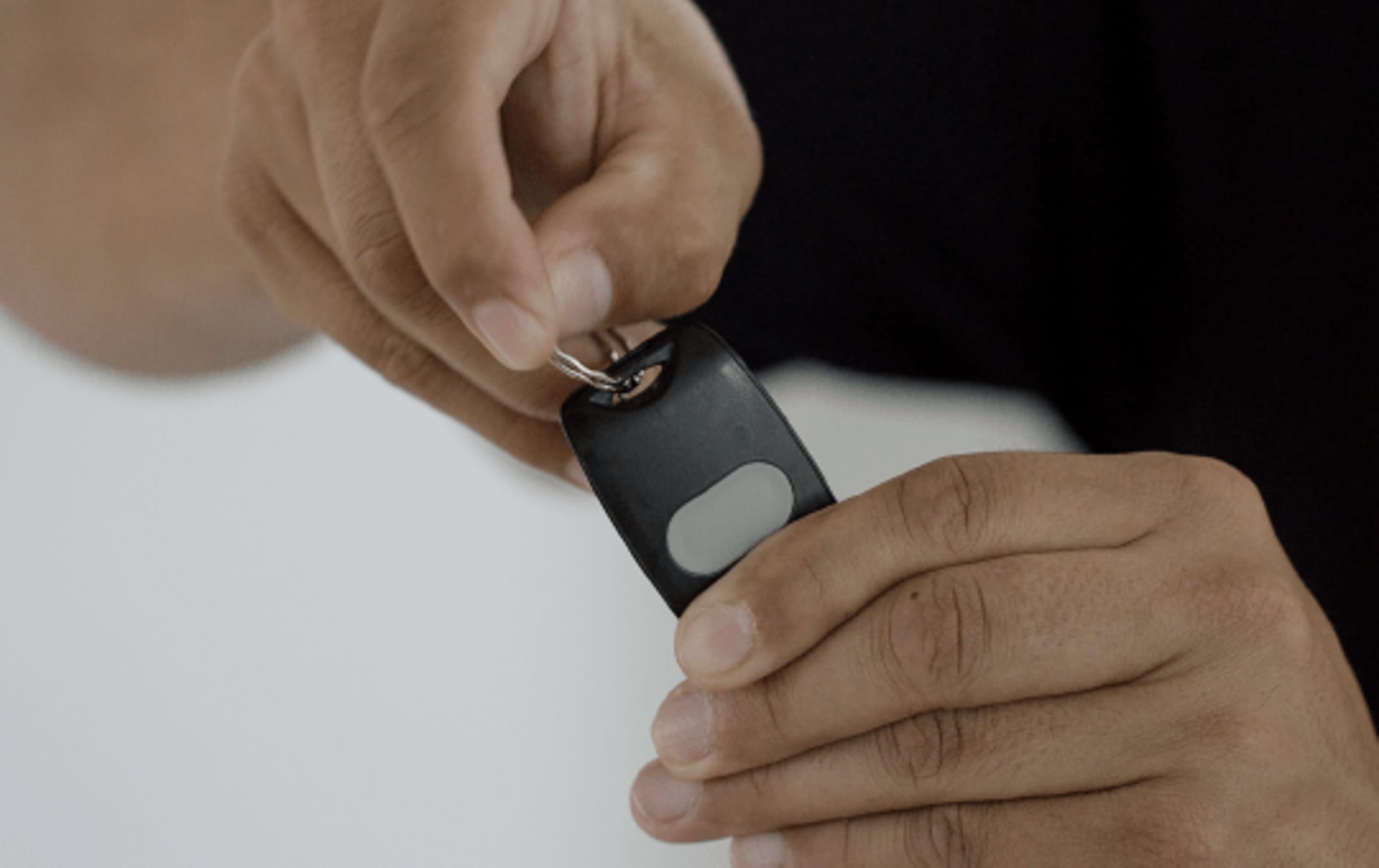
- Worn as a pendant around the neck
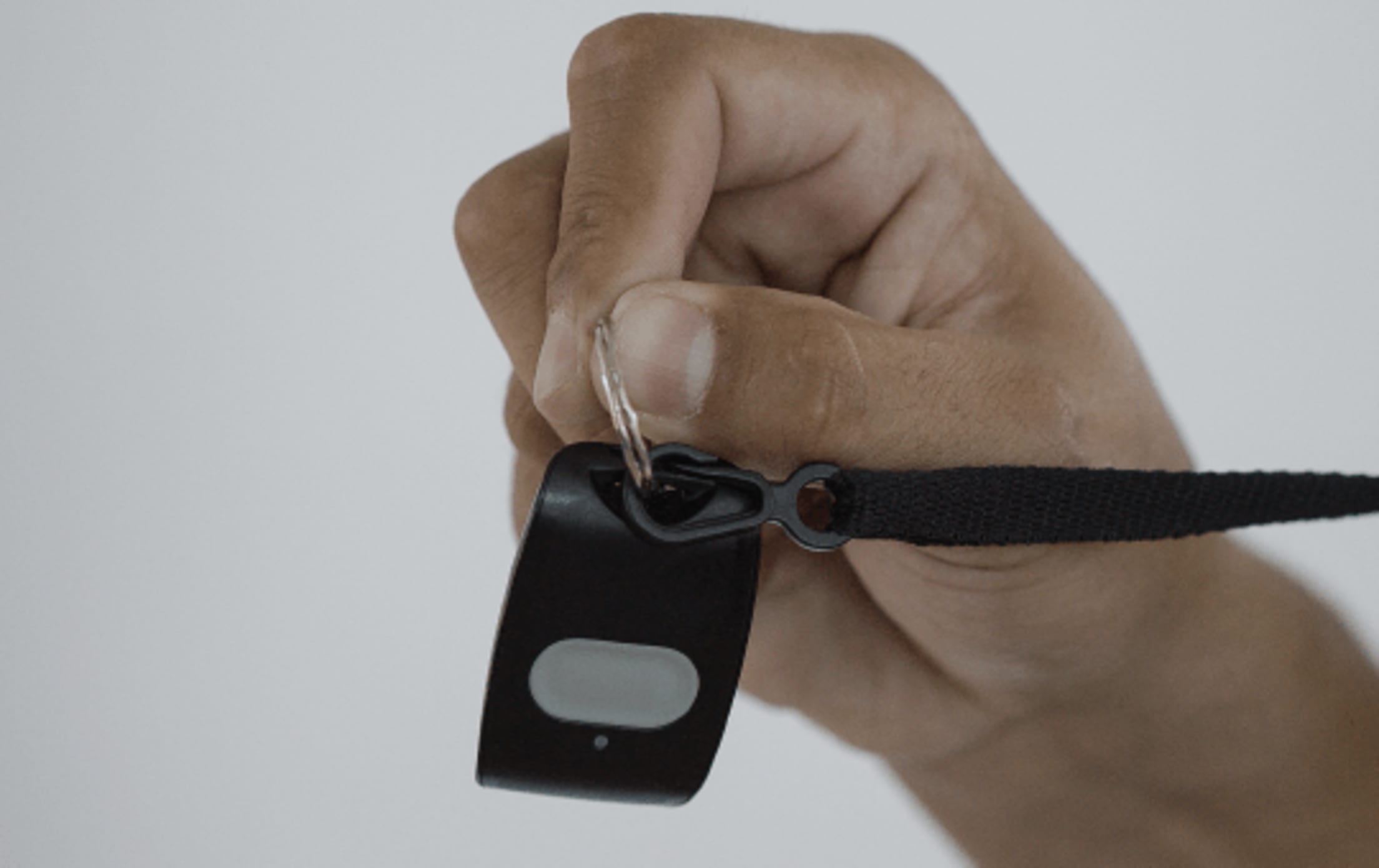
- Worn on a belt, by attaching the holder to a belt clip
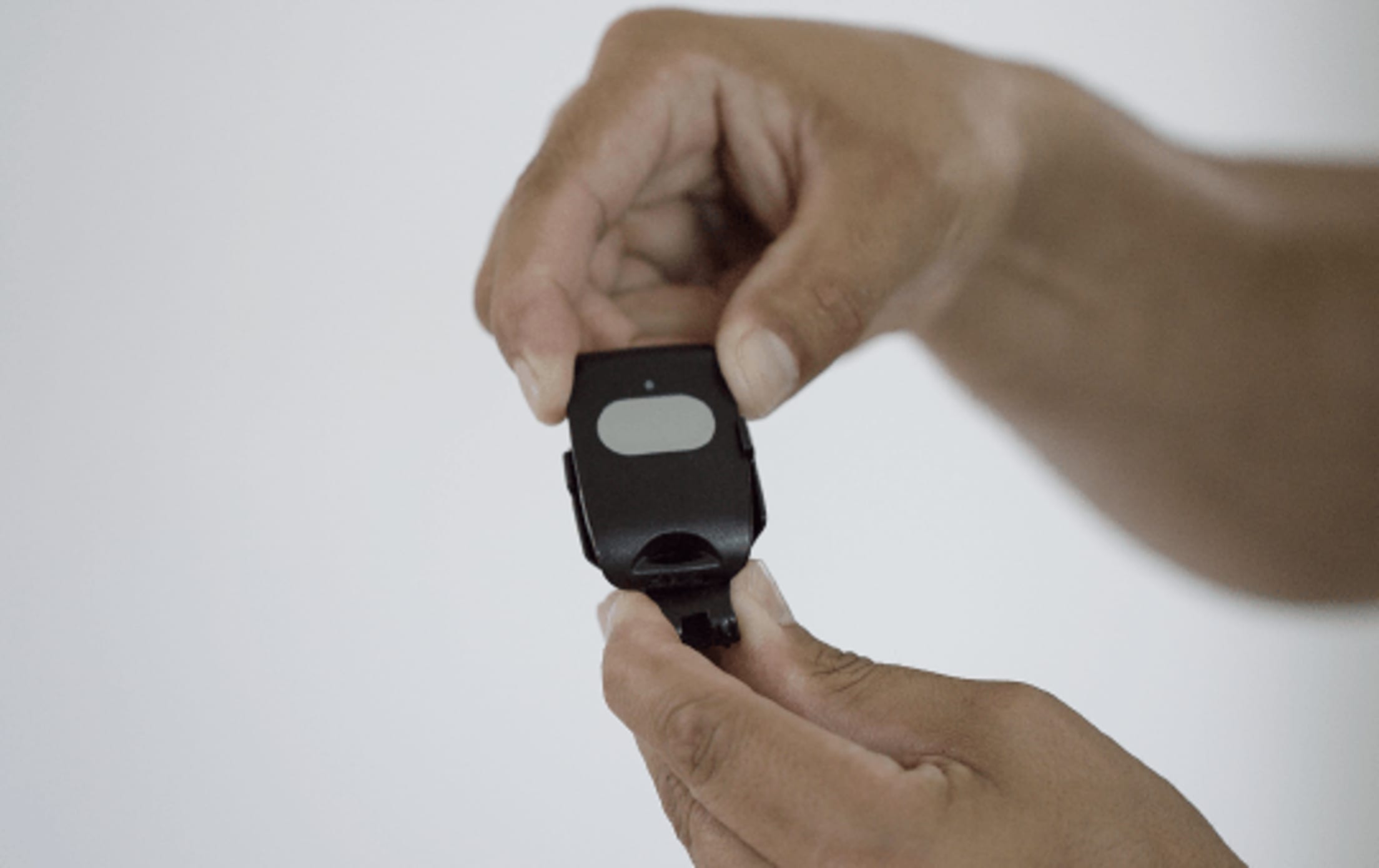
- Mounted to a surface using the holder
Installation Instructions
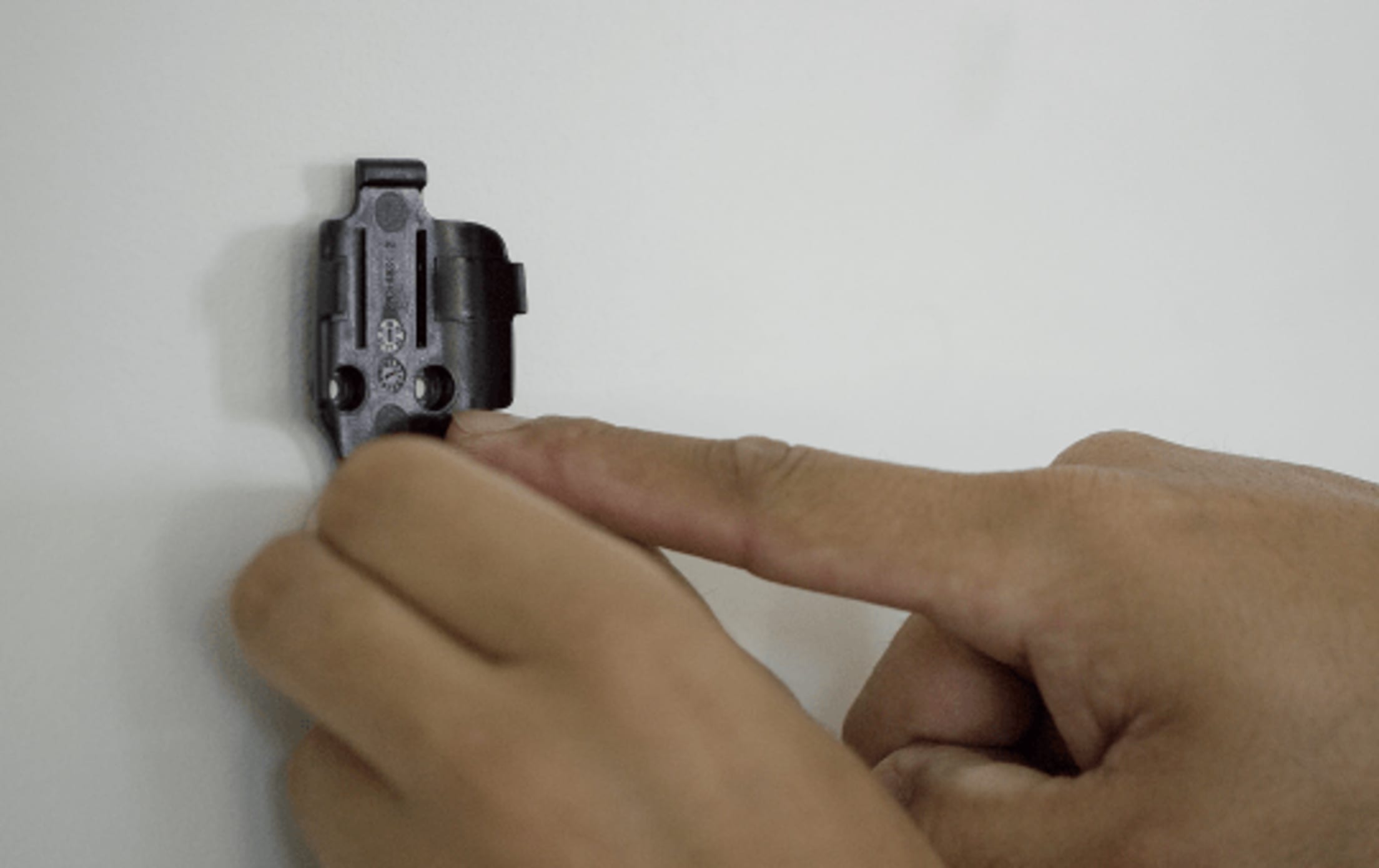
If you’re mounting to a surface, place the holder against your chosen surface (see photo above) and use two screws to secure the holder.
Then, slide the device into the holder until you feel it snap securely inside.
Installing additional security devices?
Click on the icon of your chosen device(s) below. Otherwise, go on to configuring your panel settings.
Other Device Install Guides
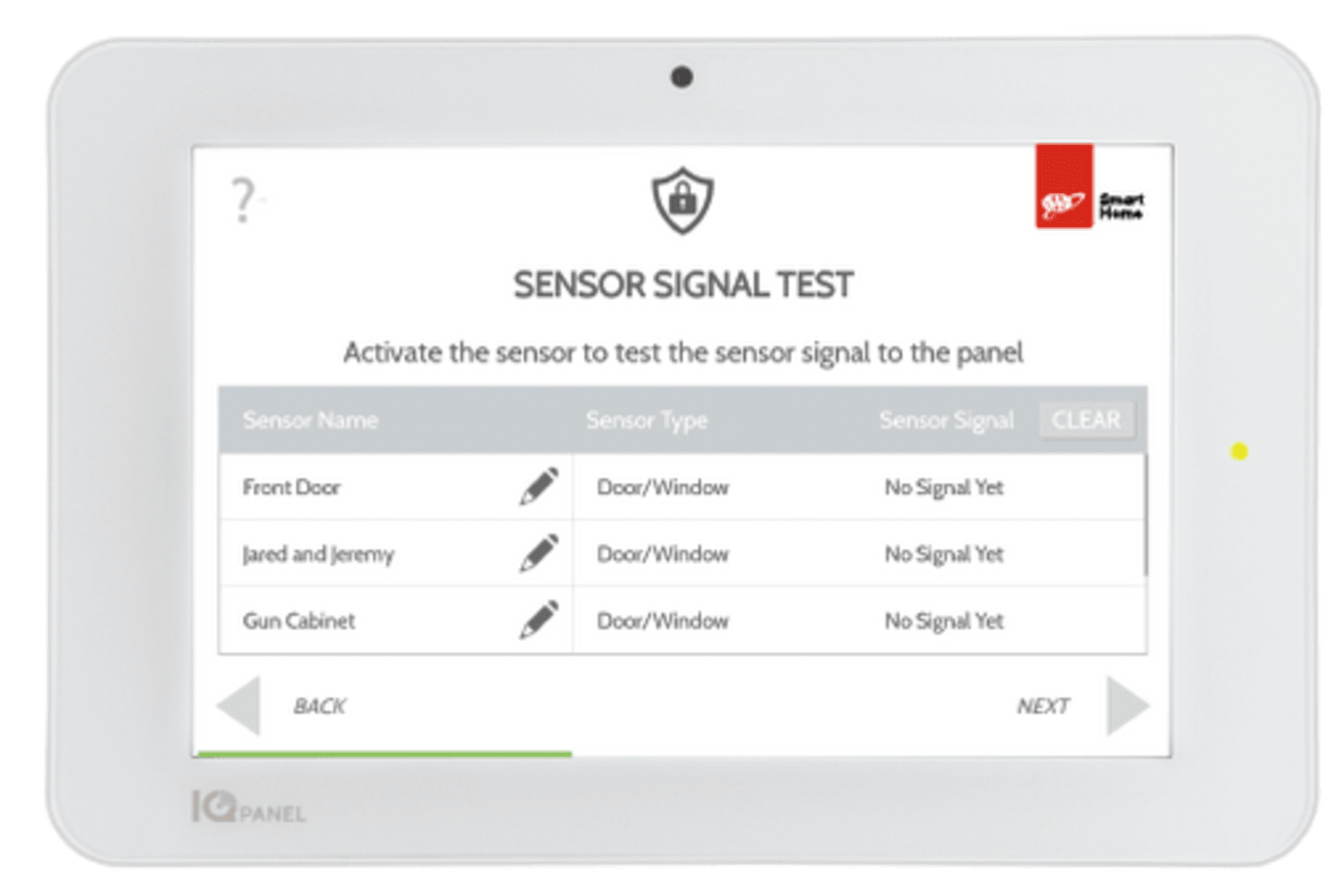
Congrats on installing your AAA Smart Home Security system! All you need to do now is call us at (855) 933-4393 (Phone Number) (Phone Number) (Phone Number) (Phone Number) to get your system and monitoring up and running. We’re available Monday - Friday (7:30 am - 6 pm PST) and Saturday (8 am - 6 pm
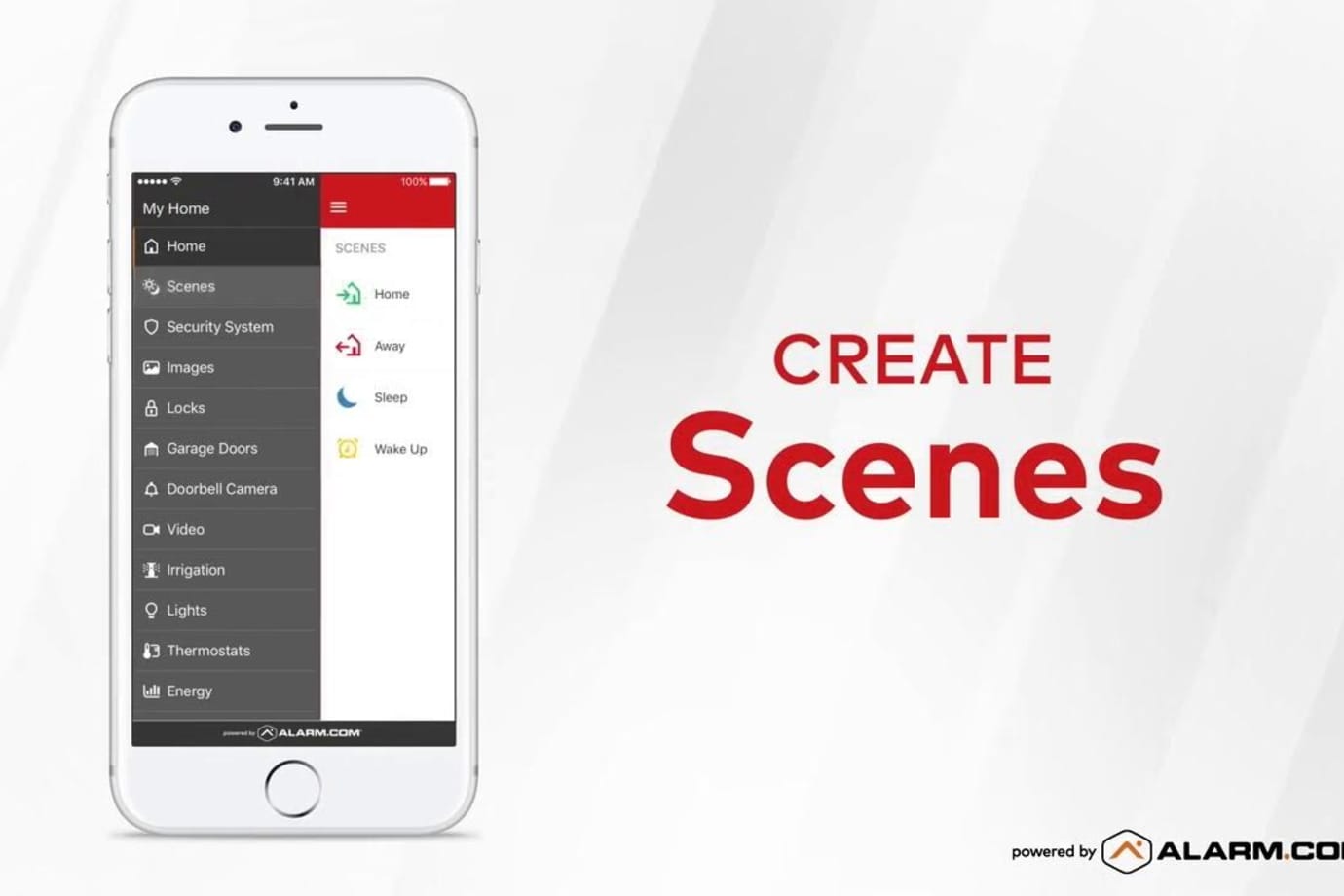
To get the most out of your AAA Smart Home system, finish creating your online account and download the free A3 Smart Home mobile app.
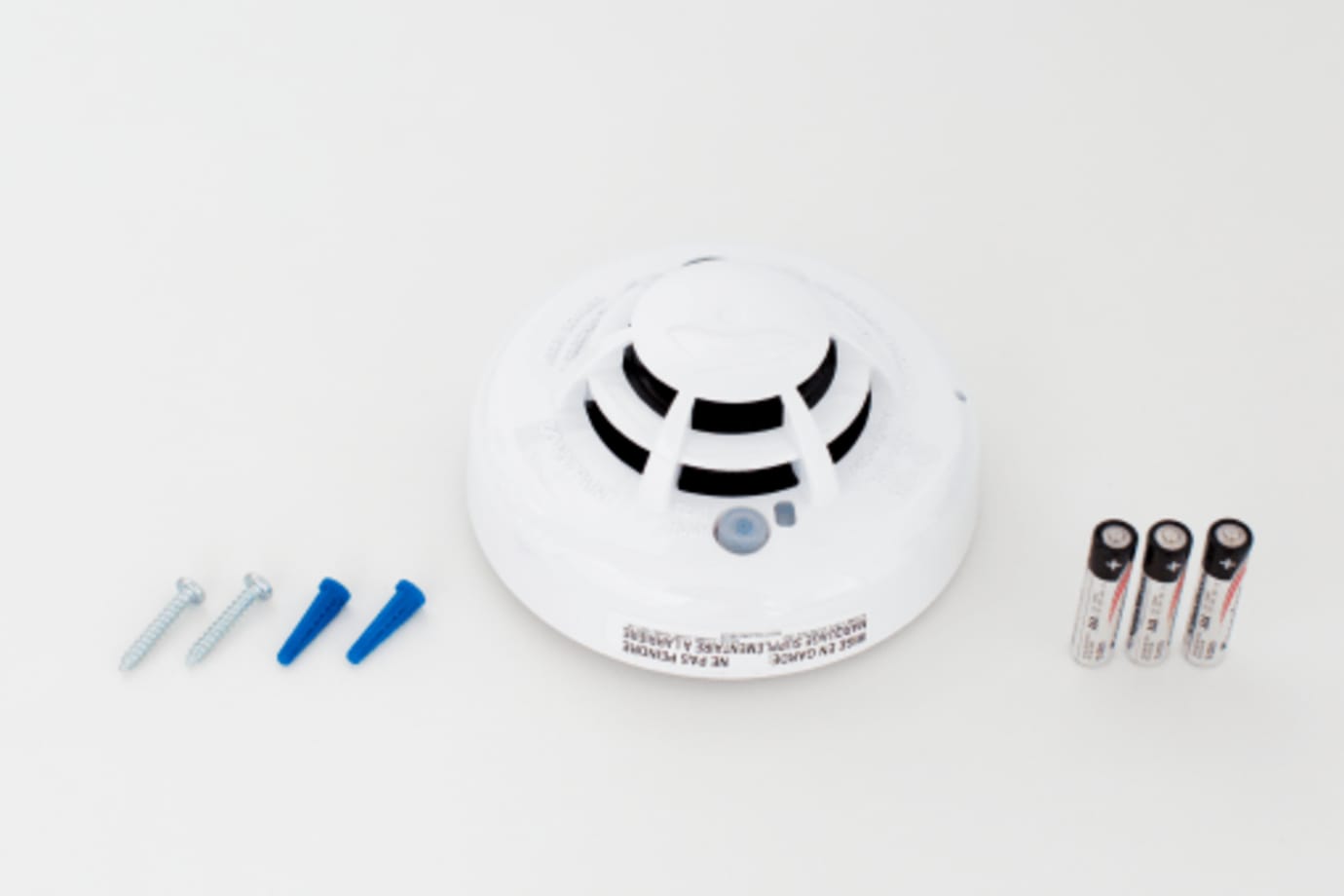
Your smoke detector alerts you to signs of smoke or a rapid rise in high temperatures in the home.
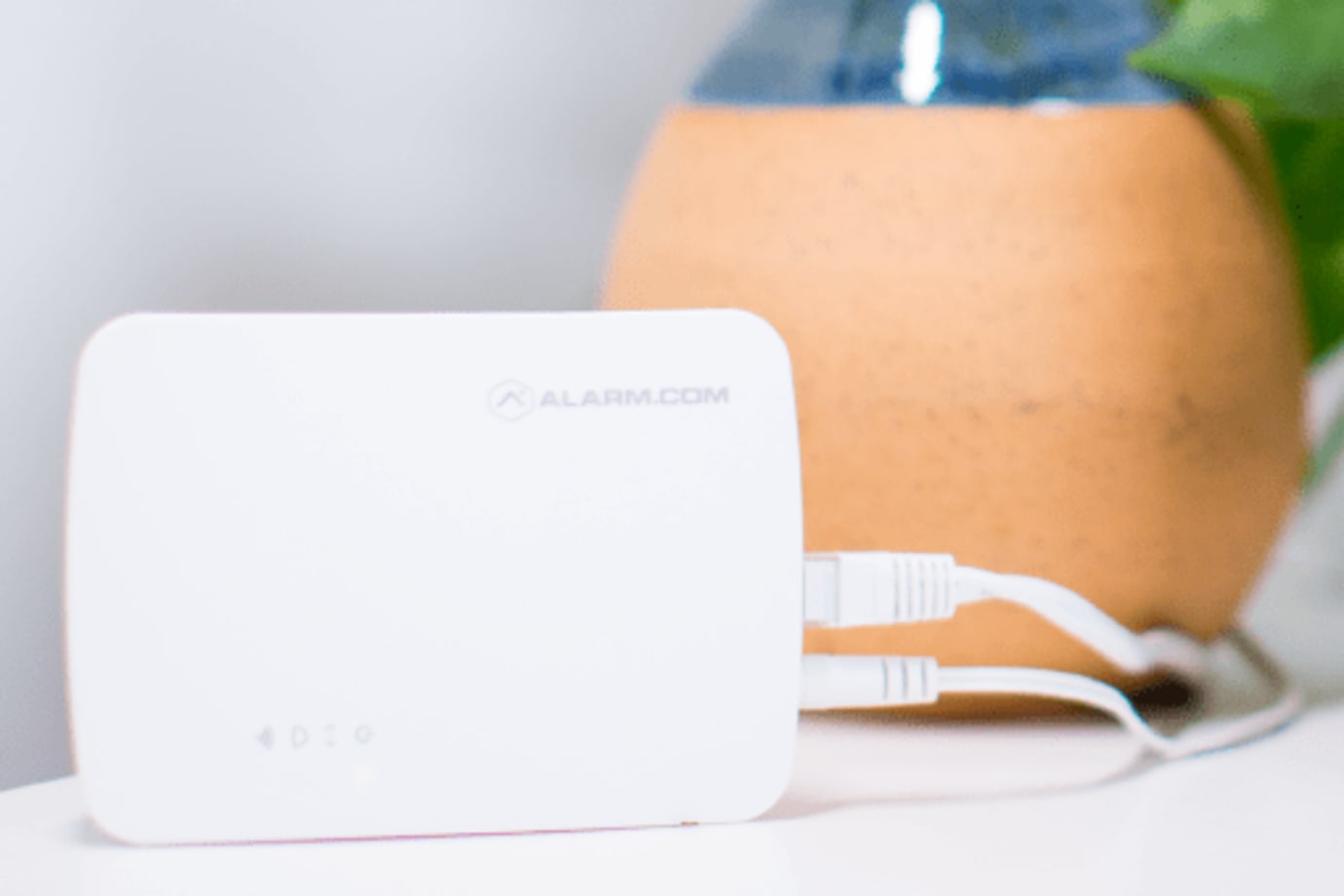
The Smart Gateway provides a dedicated Wi-Fi network for the indoor cameras in your A3 Smart Home system.
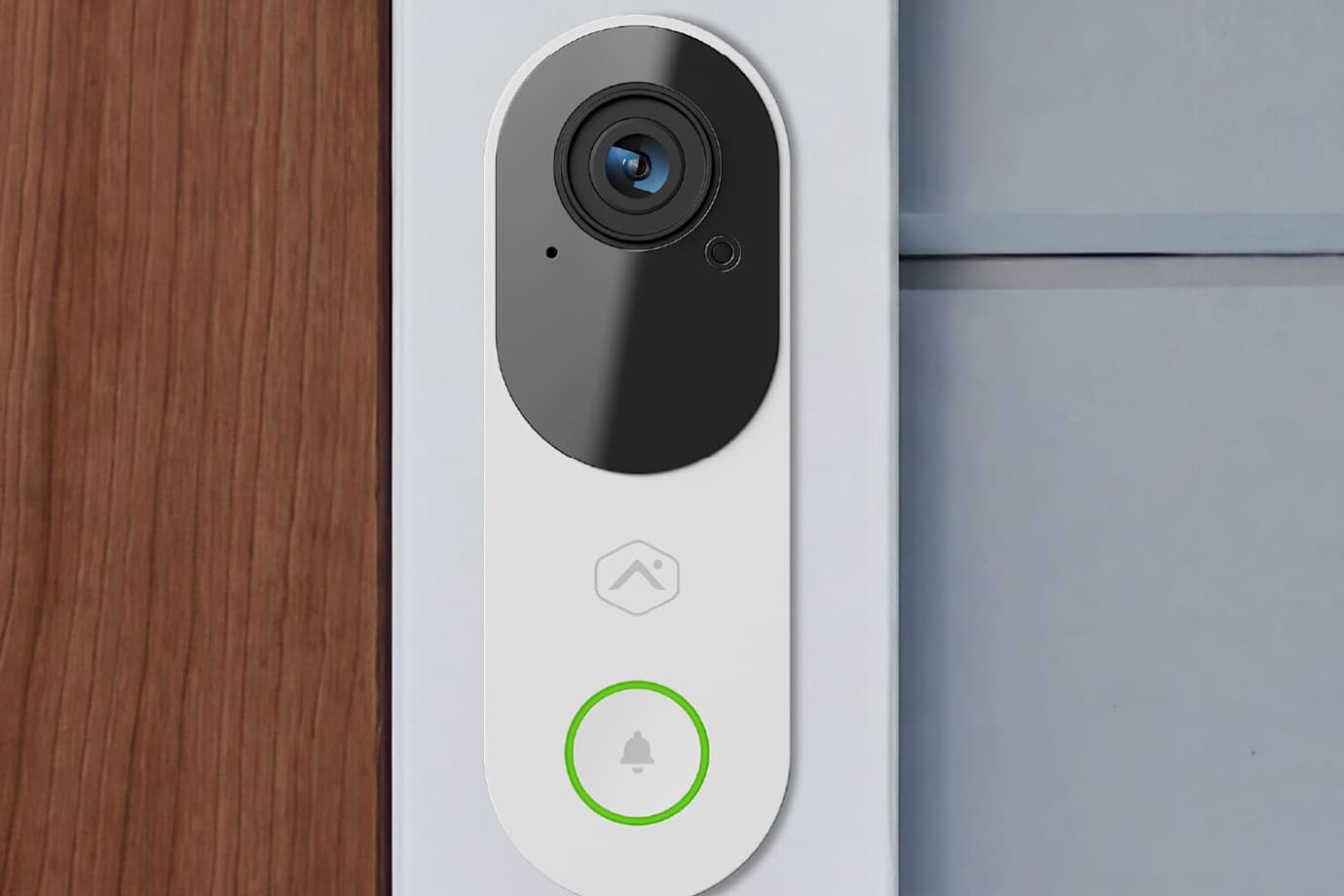
The Touchless HD Video Doorbell offers high resolution video of who or what is at your front door. It is equipped with a tall, portrait field of view and full-duplex audio, so you can also hear, and speak to visitors through your A3 Smart Home app or panel.